Introduction
New FPV pilots face three flight modes—Angle, Horizon, and Acro—and everyone tells them different things. "Start in Angle," "Skip to Acro immediately," "Horizon is pointless." The truth is more nuanced.
This guide demystifies FPV flight modes, explains what each does, when to use each, and smart progression strategy.
Note: This guide contains affiliate links. If you purchase through our links, we may earn a commission at no extra cost to you. This helps support our testing and content creation.
Understanding Flight Stabilization Basics
What Your Flight Controller Does
Your flight controller is constantly doing two jobs: understanding your quadcopter's orientation in space, and adjusting motor speeds to achieve what you want.
It has sensors: a gyroscope (measures rotation speed) and accelerometer (measures orientation). Different flight modes use these sensors differently.
Flight modes = different stabilization philosophies.
Rate vs Level Stabilization
Rate stabilization: The flight controller responds to how fast you're commanding it to rotate. Your stick says "rotate at this speed," and the drone rotates at that speed. When you release the stick, nothing stops the rotation.
Level stabilization: The flight controller responds to the angle at which you're tilting. Your stick says "tilt to this angle," and the drone tilts to that angle. When you release the stick, it returns to level.
This distinction is foundational. Mode differences emerge from this.
How Stick Input Gets Interpreted
In one mode, pushing the pitch stick forward means "tilt forward to this angle." In another mode, it means "rotate forward at this speed." The hardware is identical. The firmware interprets your input differently.
Think of your flight controller as a translator. The stick input is the same message. The translation (Angle, Horizon, Acro) changes the meaning.
Angle Mode: The Self-Leveling Option
What Angle Mode Does
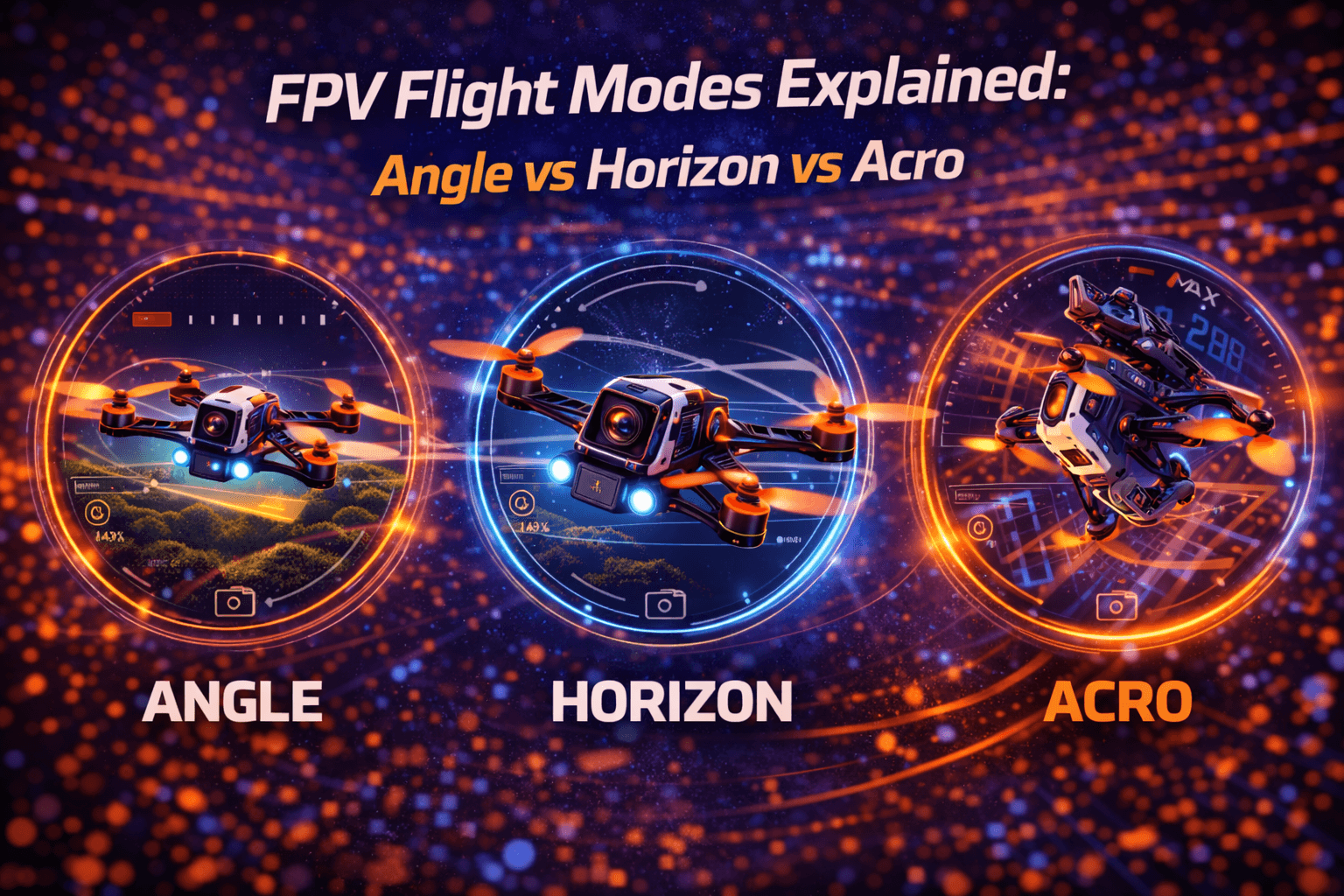
Angle mode uses both your gyroscope and accelerometer. When you push the pitch stick forward, the quad tilts forward to a specific angle. When you release the stick back to center, the quad self-levels.
It has a built-in tilt limit—typically 45-55 degrees maximum—that you can't exceed. You can't flip or perform full rotations. Stick position determines tilt angle, not rotation rate.
How Angle Mode Feels
Your first real FPV flight (after simulator practice) will be terrifying and exhilarating. Even in Angle mode, there's that moment of "oh god this is actually flying."
But within minutes, Angle mode's forgiving nature shines. The throttle is smooth, response is predictable, and when you crash (and you will), it hurts less because that self-leveling prevented the spin-out that would have made impact worse.
By battery three or four, you're not panicking. You're learning.
When to Use Angle Mode
Valid use cases:
- First 5-10 real flights (after simulator practice)
- Building basic orientation awareness
- Showing non-FPV-pilots your drone
- Specific high-risk scenarios
- Emergency situations where panic would cause crashes
Not ideal for:
- Long-term learning (you'll develop dependence on self-leveling)
- Acrobatics or advanced maneuvers
- Learning how FPV "really" flies
- Racing or freestyle progression
Advantages of Angle Mode
Confidence building: Self-leveling prevents accidental flips from over-correction. This is powerful for beginners.
Prevents chaos: Limited tilt angle creates boundaries. You can't suddenly rotate uncontrollably.
Altitude management: Easier to maintain altitude since self-leveling helps.
Safe demonstration: Non-pilots can watch without scary flipping.
Limitations of Angle Mode
Can't perform tricks: No flips, no rolls, no acrobatics.
Artificial restrictions: The 45-degree limit starts feeling limiting quickly.
Fighting stabilization: In aggressive turns, you're working against the auto-leveling.
Bad habits: Self-leveling creates dependence on the feature that has to be unlearned for Acro.
Not how FPV works: Experienced pilots never fly like this. You'll eventually feel the limitations.
Angle Mode Reality Check
"Angle mode is training wheels." This phrase is accurate but dismissive. Angle mode is a valid tool, not a mandatory failure of learning. Some pilots use it for one flight, then never again. Others spend a week building confidence. Neither approach is wrong.
What's important: Don't stay in Angle mode so long that you become dependent on self-leveling. Use it briefly for orientation building, then commit to Acro.
Horizon Mode: The Misunderstood Middle
What Horizon Mode Does
Horizon mode is a hybrid: it self-levels when your sticks are near center (like Angle mode), but when you push sticks to extreme deflection (beyond a threshold), it allows flips and rolls (like Acro mode).
In theory, this bridges Angle and Acro by giving you both behaviors.
In practice, it confuses muscle memory.
The Horizon Mode Problem
Your brain develops muscle memory for how much stick movement produces which result. Horizon mode switches behaviors mid-learning, creating confusion rather than clarity.
"When do I get the behavior I want? Is the threshold at 80% stick or 90%? Did I push past it?"
Instead of learning one thing well, you're learning a system that changes rules.
Why Most Pilots Skip Horizon
The community consensus is clear: most experienced pilots don't use Horizon mode. It tries to be everything and ends up being optimal for almost nothing.
If you're learning Angle, stay in Angle long enough to learn it properly. If you're learning Acro, commit to Acro. Don't try to do both simultaneously.
Better alternative: Acro Trainer mode, which is true Acro control with tilt angle limits—teaching actual acro muscle memory while preventing complete flips.
When Horizon Might Make Sense
Limited use cases exist: transitioning between LOS (line of sight) and FPV mixed flying, or specific comfort scenarios. But even then, Acro Trainer is usually better.
The honest assessment: Skip Horizon mode unless you have specific reasons not to.
Acro Mode: Full Manual Control
What Acro Mode Does
Acro mode uses only your gyroscope. Stick position determines rotation rate, not angle. Push your pitch stick forward and the drone rotates forward continuously at a constant rate. Release the stick and the drone keeps going in whatever direction it was heading—it doesn't self-level.
Infinite rotation is possible. You can flip, roll, inverted flight, anything. Complete control freedom.
When you first read this, Acro mode sounds terrifying. When you try it after practicing simulator, you realize it's actually simpler in one respect: the drone just does exactly what you tell it, no fighting stabilization.
Why Acro is the Standard
Watch any FPV video—racing, freestyle, cinematic. That's Acro mode. It's what FPV was designed for.
Advantages:
- Unlimited acrobatic capability
- Smooth, flowing flight once learned
- No fighting auto-leveling
- Precise control
- Community standard
- Racing/freestyle requirement
Learning Acro: The Reality
This is the hard truth: learning Acro is difficult initially, but completely learnable. There's a steep learning curve followed by rapid improvement.
Essential preparation: 20-30 hours in an FPV simulator. This isn't optional. Simulator time is the single best investment. It teaches stick centering, muscle memory, and orientation awareness risk-free.
Timeline varies: Some naturals click in 3-5 hours real flying. Others need 40+ hours. Most land somewhere in 20-30 hours combined sim and real time.
Real flying feels different: Even with 30 hours simulator time, your first real Acro flights will be harder. Physics, consequence, and wind are different from simulator. Expect adjustment.
Acro Mode Challenges
No safety net: Self-leveling doesn't exist. When you release the stick, nothing stops the rotation. You have to correct it.
Constant input required: Unlike Angle mode, you can't just let the sticks go.
Orientation confusion initially: Your brain initially struggles with fully inverted flying (upside down). This passes with practice.
Higher crash frequency: Early Acro learning means more crashes. Budget for props and frame parts.
Acro Mode Progression
Weeks 1-2: Terrifying. Crashing constantly. Questioning if you'll ever learn.
Weeks 3-4: Occasional smooth moments. Getting better.
Weeks 5-8: Smooth flying most of the time. Still occasional crashes.
Months 3+: Acro feels natural. Freestyle attempts begin.
This timeline varies widely. Your timeline is yours.
Smart Progression Strategy
Path 1: Simulator → Acro Direct (Recommended for Most)
The approach: Invest 20-30 hours in FPV simulator (Liftoff or Velocidrone), learning to fly smooth laps in Acro mode. Then transition to real flying in Acro on your actual quad.
Pros:
- Learn it right from start (no bad habits to unlearn)
- No mode confusion
- Faster long-term progression
- Cleaner muscle memory
Cons:
- Higher initial difficulty with real flying
- More crashes during transition
- Requires patience with early failures
- Might discourage some
Who should do this: Confident learners, those patient with crashes, people who enjoy simulator practice.
Path 2: Angle → Acro Conservative
The approach: Use Angle mode for first 5-10 real flights to build orientation comfort. Focus on basic control and confidence. Then switch to Acro and commit.
Pros:
- Gentler learning curve
- Fewer early crashes
- Confidence building
- Works for risk-averse learners
Cons:
- Have to unlearn self-leveling dependence
- Longer total learning time
- Mode-switching confusion period
- Still crashes when transitioning to Acro
Who should do this: Older learners, expensive quad owners, risk-averse personalities.
Path 3: Angle → Horizon → Acro (Not Recommended)
Most time-consuming, confusion at each transition, creates bad habits. Only recommend if extreme caution needed. Even then, Acro Trainer is better than Horizon.
The Consensus
Modern instructors typically recommend Path 1 (simulator-heavy, then Acro). Path 2 works but takes longer. Path 3 is rarely recommended.
What matters most: Whatever path you choose, commit to it. Don't randomly switch modes mid-learning. That's where confusion lives.
Configuring Modes in Betaflight
Basic Setup
In Betaflight Configurator, go to Modes tab. You'll assign flight modes to a 3-position switch (or 2-position if you prefer).
Typical 3-position setup:
- Switch position 1: Angle mode
- Switch position 2: Horizon mode (or disabled)
- Switch position 3: Acro mode
Simplified 2-position setup:
- Position 1: Angle mode
- Position 2: Acro mode
Testing Before Flight
On USB power (bench testing):
- Arm your quad (USB-powered)
- Switch the mode switch
- Observe OSD (on-screen display) mode indicator
- Verify mode changes correctly
- Confirm switch position matches intention
Never fly until you're confident about which mode is active.
Safety Reminder
Always know which mode you're in before flying. Mode confusion mid-flight is dangerous. Some pilots assign mode to an easy-to-access switch to change between modes in flight safely. Others keep Acro as default and never switch.
Common Mistakes and Misconceptions
Learning Mistakes
Staying in Angle mode too long: Develops self-leveling dependence. Limit Angle to 5-10 flights maximum.
Random mode switching: Changing modes mid-learning confuses muscle memory. Pick a path and commit.
Insufficient simulator practice: Trying Acro with zero simulator time makes first flights needlessly difficult.
Not accepting crashes: Crashes are tuition. Every crash teaches you. Expect them, learn from them. Check our crash recovery guide for repair tips.
Comparing to others' timelines: Someone learned in 10 hours. That's their timeline. Your timeline is your timeline.
Flying Mistakes
Mode confusion: Forgetting which mode you're in and being surprised by behavior.
Fighting the mode: Applying Angle-mode thinking to Acro, fighting the lack of self-leveling.
Rushing progression: Expecting Acro competence before fundamentals are solid.
FAQ
Q: Can I skip Angle and Horizon modes and learn in Acro from the start?
A: Yes, and many modern instructors recommend this. After 20-30 hours simulator practice, going straight to Acro works well. You'll crash more initially but won't develop bad habits to unlearn. Critical success factor: extensive simulator practice first. Zero simulator time + straight Acro is needlessly difficult.
Q: How long should I stay in Angle mode before switching to Acro?
A: If using Angle mode, limit it to 5-10 flights maximum. Just long enough for basic orientation comfort. Any longer develops self-leveling dependence that's hard to unlearn. Don't wait to feel "ready"—set a limit (10 flights) and switch regardless. Readiness doesn't come; you just commit and learn.
Q: What's the point of Horizon mode if everyone says to skip it?
A: Horizon mode bridges Angle and Acro in theory, teaching neither well in practice. Limited use: showing friends/family with mixed LOS/FPV flying. Otherwise skip. Acro Trainer is superior transition tool—teaches actual Acro control with angle limits.
Q: Why do experienced pilots sometimes use Angle mode?
A: Legitimate uses exist: demonstrating to non-pilots (safety), extreme proximity indoor flying (safety net), windy outdoor LOS flying (stability). It's a tool for specific scenarios, not failure to learn Acro. 95% of experienced flying is Acro.
Q: How many simulator hours before real Acro flying?
A: Aim for 20-30 hours minimum where you can fly smooth laps, maintain altitude, land predictably, complete basic tricks. Quality beats time—30 focused hours beats 100 aimless. When simulator flying feels automatic (not thinking about controls), you're ready. First real flights will still be harder.
Q: Does everyone eventually fly in Acro mode?
A: Nearly everyone in FPV progresses to Acro. It enables freestyle, racing, cinematic flying. If you want serious FPV participation, Acro is effectively mandatory. You're not special—neither was anyone else when they learned.
Q: What if I just can't learn Acro despite practicing?
A: You can. Acro is learnable by anyone with functional motor skills. If struggling: (1) More simulator time, (2) Slower practice, (3) Break skills into components, (4) Check rates/expo settings, (5) Take breaks. Timeline varies—weeks for some, months for others. Stick with it. I've never met someone who couldn't learn with sufficient practice.
Q: Can I damage my drone by flying in the wrong mode?
A: No, flight modes don't damage hardware. Wrong mode might lead to crashes (equipment damage), but the mode itself is safe. Risk factor is your skill level relative to the mode. Fly modes matching your ability.
Final Encouragement
Flight modes aren't barriers—they're just tools. The path doesn't matter as much as the destination.
Everyone struggles initially. Everyone crashes. Everyone questions if they'll ever "get it." Then one day, you do.
Your timeline is your timeline. Someone learned in 10 hours. That's fine. So did someone else in 50 hours. Both are pilots.
The difference between pilots who learn Acro and those who don't isn't talent—it's persistence through the uncomfortable learning phase.
Start today: load your simulator, practice deliberately, accept difficulty, trust the process. You'll get there.
If you're ready to start your FPV journey with the right equipment, check out beginner FPV drone packages on Amazon. Having reliable gear designed for learning makes the progression smoother. For complete guidance, see our best beginner FPV drones guide.
"Acro mode will unlock FPV for you. Worth the effort. It feels amazing when it clicks."