I’ve built and repaired quads on kitchen tables, garage floors, and cramped apartment desks. Every single time, the workspace mattered more than I expected. A wobbly surface makes soldering miserable. Bad lighting hides cold joints that fail mid-flight. And if you’ve ever spent 20 minutes hunting for an M3 screw while your soldering iron cools down, you know how much a proper setup changes the game.
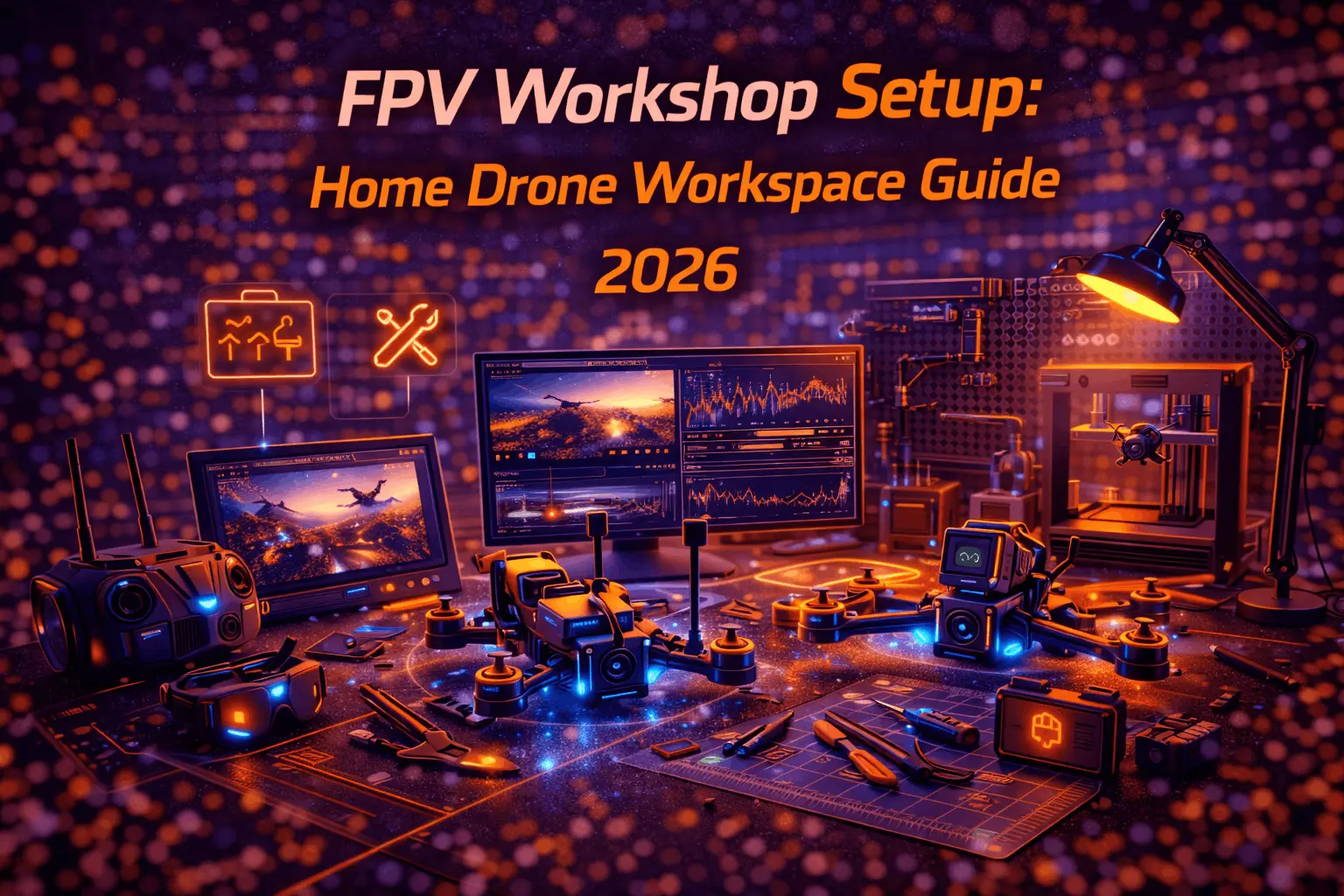
You don’t need a dream garage to build FPV drones efficiently. You need a space that’s organized, safe, and set up for the work you actually do. Here’s how to build one — whether you have a spare room or a corner of your closet.
Choosing Your Workshop Location
Your available space dictates your approach more than your budget does. Each option works if you plan around its constraints.
Dedicated Room
The luxury option. You leave a half-finished build on the bench overnight without anyone touching it. Climate control keeps solder flowing consistently, and you can store LiPos safely away from living areas. If you have a spare bedroom or basement room, this is the move for anyone running multiple active builds. The key advantage isn’t space — it’s permanence. No setup, no teardown, no compromises.
Garage or Shed
Where most FPV builders end up, and for good reason. Natural ventilation handles soldering fumes better than any indoor space. The trade-off is temperature — cold garages make soldering painful because solder doesn’t flow well below 15°C, and extreme heat stresses electronic components sitting on your bench. If your garage swings between freezing and 40°C seasonally, plan your build sessions accordingly or invest in a space heater and fan setup. One real advantage: LiPo storage in a detached garage is inherently safer than anywhere inside your house.
Apartment Corner or Closet
I’ve done some of my best builds at a 2-foot-wide desk near a window. Space-constrained doesn’t mean capability-constrained. Vertical organization is your best friend — pegboards, wall-mounted bins, magnetic strips. A fold-down wall desk can give you a full workspace that disappears when you need the floor space. The window matters because you need ventilation when soldering. If you can’t open a window, a fume extractor with a carbon filter becomes non-negotiable rather than optional.
Shared Space
Roommates or family means everything must clean up fast. Get a portable toolbox or rolling cart that holds your entire build setup. Work around household schedules — nobody wants to hear you spinning up motors at 11 PM for a direction test. The upside of forced portability: you develop excellent organizational habits because you literally can’t afford chaos.
The Workbench: Your Foundation
Everything starts here. Get this wrong and you’ll fight your workspace on every build.
Surface and Structure
Stability is the single most important factor. A wobbling table transfers directly to your soldering iron tip — that’s how you bridge pads on a flight controller and spend an hour fixing what should have been a 30-second joint. Thrift stores often have solid-core desks for under $50 that outperform flimsy new furniture at twice the price.
For dimensions, 4 to 6 feet wide gives you comfortable room to spread out a full build with documentation open on a laptop. Two feet wide is the functional minimum, but you’ll constantly shuffle things around. Height should put your elbows at roughly 90 degrees when seated — typically 28 to 32 inches, depending on your chair. If you can’t adjust the bench, adjust the seat.
Lighting
This is where most workshop setups fail. Overhead room lighting isn’t enough — you need direct task lighting aimed at your work surface. Minimum 1000 lumens from an adjustable LED lamp, positioned so your hands don’t cast shadows on your solder joints. A clip-on magnifying lamp ($25-40) does double duty for inspecting tiny connections on flight controllers and ESCs.
Color accuracy matters more than you’d think. Under warm yellowish light, a cold solder joint and a good one look identical. Cool white or daylight-temperature LEDs (5000-6500K) reveal the difference instantly. I’ve caught questionable joints under proper lighting that looked fine in dim conditions — joints that would have vibrated apart mid-freestyle.
Surface Protection
A silicone soldering mat ($15-25) is the single best small purchase for your workspace. It protects your bench from burns and solder splatter, provides a non-slip surface that keeps tiny screws from rolling away, and includes built-in compartments for parts on most models. They last years and survive abuse that would destroy any other mat. If you only buy one workspace accessory, make it this.
Tool Organization: Where Time Gets Saved or Wasted
The friction cost of searching for tools adds up fast. Over a full build — frame assembly, soldering the stack, wiring the VTX, mounting motors — you might reach for hex drivers, flush cutters, tweezers, and wire strippers dozens of times each. Every tool should have a home, and that home should be within arm’s reach.
Wall-Mounted Systems
A 2x4-foot pegboard above your workbench transforms accessibility. Hang your soldering iron, flush cutters, hex driver set, tweezers, wire strippers, and heat gun where you can grab them without looking. Magnetic strips work brilliantly for metal tools — mount one along the back edge of your bench for instant access to hex keys and tweezers.
Parts Storage
Small FPV components vanish into chaos without a system. Clear-lidded drawer organizers ($15-30 for a multi-drawer unit) sorted by category — M2/M3 hardware, capacitors, connectors, standoffs, zip ties — save enormous time. Label everything. Future you, digging through bins at midnight trying to finish a build before a weekend session, will be grateful.
Project Boxes
If you run multiple builds simultaneously, dedicate a container to each project. Toss in the frame, components, and hardware for that specific build. Label it with the project name and date started. This prevents the nightmare of mixing up parts between a 5-inch freestyle build and a cinewhoop project.
Soldering Station: The Core of FPV Building
Every FPV build involves soldering. Receiver to FC. ESC signal wires. VTX power. Motor leads. Battery pigtail. Camera connections. Your soldering setup affects the quality and speed of every single build and repair.
Choosing Your Iron
Skip the $15 unregulated irons. They overshoot temperatures, destroy tips in weeks, and create terrible joints that fail during hard freestyle hits. A temperature-controlled station in the $50-100 range is transformative.
Two solid paths depending on your situation:
Desktop station — the Hakko FX-888DX (around $110) is the current go-to. It’s the upgraded version of the legendary FX-888D that half the FPV community learned to solder on. Same 65W ceramic heater, same T18 tip ecosystem, but with an improved dial interface that makes temperature changes faster mid-session. Adjustable from 50°C to 480°C with rock-solid thermal recovery — it holds temperature even when you’re soldering thick 12AWG battery leads back to back. If you have a permanent bench, this is the standard.
Portable option — the Pinecil V2 (~$26) punches absurdly above its price. USB-C powered (PD/QC 3.0), reaches operating temperature in 6-12 seconds depending on your power supply, adjustable from 100°C to 400°C, and weighs 28 grams. Open-source firmware means community-driven improvements. Perfect for apartment builders or field repairs. Pair it with a 65W USB-C PD charger you probably already own.
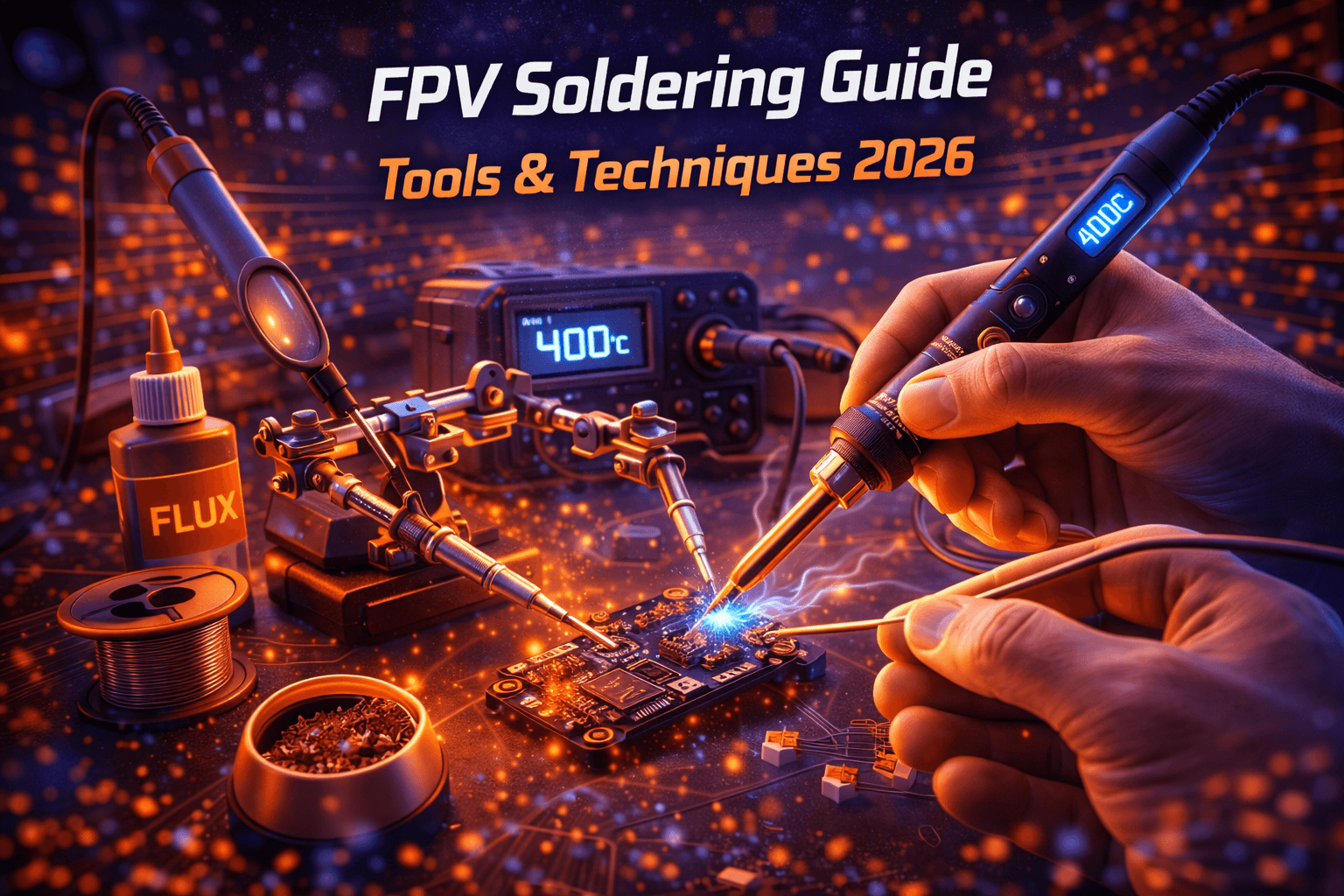
For FPV work, set your iron between 350-380°C. Lower for delicate FC pads, higher when soldering thick battery leads or motor wires that sink heat. Use a chisel tip (1.5-2.5mm) for most FPV connections — conical tips don’t transfer heat efficiently enough for the gauge of wire we work with.
Check Hakko FX-888DX on Amazon | Check Pinecil V2 on Amazon
Fume Extraction
This isn’t optional — it’s a health investment. Soldering flux fumes contain formaldehyde and other irritants. Breathing them occasionally won’t kill you, but regular exposure without extraction causes cumulative respiratory irritation.
Three tiers of protection: a $10-15 USB desk fan angled to push fumes away from your face works as a bare minimum. A dedicated benchtop fume extractor with a carbon filter ($40-80) actively pulls and filters the fumes. Venting to outside through a window with a duct fan is the best solution if your space allows it. At minimum, crack a window when you solder.
Essential Soldering Accessories
A brass wire tip cleaner beats a wet sponge — sponges cool your tip and accelerate oxidation. Third-hand/helping-hands holders keep boards steady while you work, which matters enormously when soldering a 20x20mm flight controller stack. A smoke stopper ($20-30) between your power source and board catches shorts before they fry components — I’ve seen $80 FCs saved by a $20 smoke stopper more times than I can count. Consider it mandatory for first power-ups.
Battery Safety Station
LiPo batteries demand respect. They store enormous energy density, and a punctured or overcharged cell can cause thermal runaway — a chemical fire that’s extremely difficult to extinguish. Your workshop needs a dedicated charging and storage setup.
Charging Setup
Charge on a fireproof surface. An ammo can with the seal removed (so pressure doesn’t build) is the FPV community standard — cheap, effective, and contains any incident. Place it on a metal tray away from anything flammable. Never charge unattended if you can avoid it, and never charge on carpet, wood desks, or near paper.
Your charger should be easily accessible but the charging area itself should be the most isolated spot in your workspace. Keep a quality parallel charging board nearby if you charge multiple packs, and always balance-charge unless you have a specific reason not to.
Storage
LiPo bags work for transport and short-term storage. For long-term, a fireproof document safe or a metal ammo can in a cool, stable-temperature location is better. Store at storage voltage (3.8V per cell) if you won’t fly for more than a week. Inspect packs visually before every charge — any puffing, dents, or damaged leads mean retirement.
Safety Equipment
An ABC-rated fire extinguisher within reach of your charging area is non-negotiable. A bucket of dry sand is a cheap backup that smothers LiPo fires effectively. Make sure a smoke detector covers your workshop area, and keep a clear exit path. Read our full LiPo safety guide before setting up your first charging station.
Essential FPV Tool Kit
Beyond the soldering station, here’s the gear that actually gets used on every build:
Hex driver set — 1.5mm, 2mm, 2.5mm, and 3mm cover virtually all FPV hardware. Get drivers with comfortable handles, not the tiny L-keys that slip and strip heads. A quality set runs $15-25.
Flush cutters — for trimming zip ties, cutting wire, and clipping component leads. Cheap ones dull fast. Hakko CHP-170 (~$6) are the community favorite for good reason.
Precision tweezers — ceramic-tipped for handling components near power, regular pointed tips for general work. You’ll use these constantly for placing nuts, positioning wires, and holding connectors.
Wire strippers and crimpers — proper strippers for 18-28 AWG wire make clean cuts. Silicone wire in 16-20 AWG is standard for FPV power leads; 26-28 AWG for signal wires.
Multimeter — doesn’t need to be expensive. A $20-30 unit that reads voltage, continuity, and resistance catches wiring errors before they become smoke. Check continuity on every build before first power-up.
Heat gun — for heatshrink tubing and desoldering work. A $25 craft heat gun works fine; you don’t need an industrial unit.
Check FPV Tool Kit on Amazon | Check FPV Tools on GetFPV
Budget Workshop Builds
Starter Setup (~$100-150)
A folding table or thrift store desk ($30-50), an LED desk lamp ($15-20), a Pinecil V2 iron with USB-C power supply ($26 + $15), a silicone mat ($15), basic plastic organizer bins ($15), and essential hand tools ($20-30). This gets you building and repairing competently. It folds into a closet when not in use and covers everything a pilot needs for their first few builds.
Working Builder (~$300-500)
Solid desk or workbench ($80-120), adjustable LED task light with magnification ($40-60), Hakko FX-888DX soldering station ($110), pegboard and wall organization ($40-60), drawer-based parts storage system ($30-50), benchtop fume extractor ($40-60), complete hand tool set ($50-70), and a smoke stopper ($25). This is the sweet spot for regular builders — everything you need, nothing you don’t, and quality where it counts.
Full Workshop (~$1000+)
Custom workbench with built-in storage ($250-400), professional LED panel lighting ($100-150), premium soldering station with multiple tip options ($100-150), ducted fume extraction ($80-120), complete tool collection including oscilloscope for Blackbox analysis ($150-250), comprehensive LiPo safety station ($60-80), climate control if needed ($150+), and full organization system ($100-150). For builders doing professional work, running a build service, or just wanting the best possible experience.
Workshop Efficiency Tips
After setting up dozens of workspaces over the years, a few principles consistently make the difference between a workshop that works and one that fights you.
One-touch tool access — if you have to open a drawer, unzip a case, or move something to reach a tool you use constantly, it’s stored wrong. The top 10 tools you reach for should be grabbable without moving from your seat.
Clean as you go — solder blobs, wire trimmings, and zip tie tails accumulate fast during a build. Brush them off periodically rather than facing a disaster zone at the end. A small trash bin at arm’s reach makes this automatic.
Ergonomics matter during long sessions — marathon build sessions happen, especially before a race weekend. Your back will tell you if your bench height is wrong. Take standing breaks every 45-60 minutes. Position your task light so you’re not hunching forward to see your work.
Document your workspace — take a photo of your organized setup. When entropy inevitably takes over (it will), you have a reference to restore order. This sounds trivial but saves enormous time during workshop resets.
Start Simple, Build Up
Don’t drop $1000 on a workshop before you’ve built your first quad. Start with a stable surface, decent lighting, a temperature-controlled iron, and basic organization. Build a few drones. You’ll quickly discover what frustrates you — and that’s what you invest in next.
The best workshop isn’t the most expensive one. It’s the one that removes friction between you and getting a drone in the air. Whether that’s a folding table near a window or a full garage setup, organize it for the work you actually do, keep it safe, and keep building.
Note: This guide contains affiliate links. If you purchase through our links, we may earn a commission at no extra cost to you. This helps support our testing and content creation.