Introduction
The flight controller is your quad's brain—every input you make, every sensor reading, every motor command runs through it. iFlight's BLITZ F7 positions itself as a capable flight controller for serious builds. But does it deliver on that promise?
This review evaluates it through an experienced builder's lens: specifications in context, build quality, real-world performance, and whether it justifies its mid-tier price point.
Note: This guide contains affiliate links. If you purchase through our links, we may earn a commission at no extra cost to you. This helps support our testing and content creation.
BLITZ F7 Specifications Overview
The Core
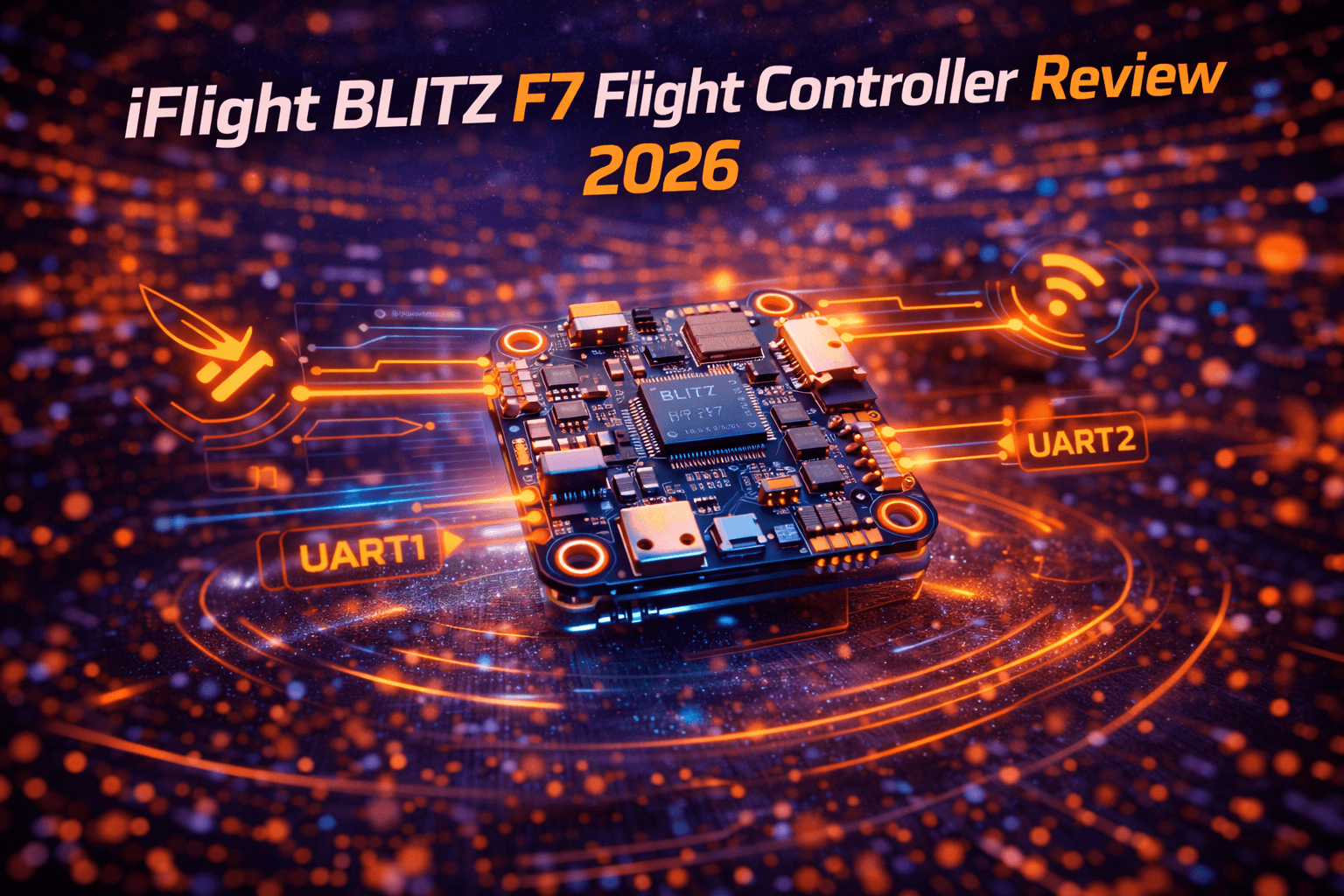
The BLITZ F7 V1.2 runs on an STM32F722 processor—the "F7" designation meaning it can achieve 8k/8k loop times and has more processing headroom than budget F4 controllers.
For the gyroscope, the latest versions use the ICM42688-P, a sensor that Betaflight now officially recommends. Earlier V1.1 versions used BMI270. Both are quality sensors when properly implemented—the important factor isn't the sensor name, it's how the flight controller's power supply supports it.
32MB of flash memory for blackbox logging means capturing detailed flight data for analysis and tuning.
6 UART ports stand out as a key differentiator. Most competitors offer 3-4. Six means you can connect VTX, telemetry, receiver, and additional sensors simultaneously without port conflicts.
What This Means Practically
The F7 processor handles complexity that F4 controllers start struggling with. Run GPS rescue, ESC telemetry, OSD, LED outputs, and heavy gyro filtering simultaneously—an F4 board hits CPU ceiling. The F7 sits comfortably at 15-25% CPU usage with the same configuration. Headroom matters for feature-rich builds.
The 6 UARTs aren't luxury—they're practical advantage for long-range builds, FPV systems with telemetry, or anything beyond basic quad configuration.
Build Quality and Design
PCB Construction
Examining the physical board, the layout is logical and intentional. Component placement groups related functions together. Solder pads are well-sized and clearly labeled—even handwritten notes work, which isn't trivial for custom builds. The silkscreen is readable, helping during installation.
Voltage regulators are positioned for heat dissipation. Gyro is mounted far from potential interference. Capacitor placement reflects understanding of signal integrity. This isn't accidental—experienced designers made deliberate choices.
Mounting and Integration
The 30.5x30.5mm mounting pattern fits standard frames. Four M4 holes with proper spacing align with standard standoffs. Clearance is adequate for thick solder joints and wire routing. The connector-heavy design (plug-and-play USB-C, DJI connectors, UART headers) means minimal soldering required if using included cables.
This matters in real building: less soldering = fewer opportunities for cold joints or shorts. The V1.2 includes DJI VTX connectors for plug-and-play integration with iFlight's stacks.
Status LEDs
Four indicator LEDs (Battery, 5V, 3.3V, Startup) provide quick visual debugging. LED indicates power rail status at a glance—helpful for identifying voltage regulator failures or shorts before they cause damage.
Setup and Configuration Experience
Initial Setup
Flashing firmware is standard: connect via USB-C, use Betaflight Configurator, select target "IFRC_BLITZ_F722," flash. Process takes minutes. The board comes with firmware pre-loaded, though you'll likely update to latest.
Betaflight configuration is typical for F7 boards. Port assignment is straightforward—UART 1 for VTX, UART 2-4 for peripherals, standard layout. Resource mapping is available but straightforward defaults work for most builds. For detailed Betaflight setup guidance, see our Betaflight configuration guide.
OSD setup is automated—select your video system (analog or DJI), done. Blackbox logging configures automatically.
Documentation Quality
iFlight provides reasonable documentation—pinouts, wiring diagrams, firmware compatibility. Community resources fill gaps. No official Chinese manual quirks here—clear English documentation.
Setup isn't beginner-friendly (requires Betaflight understanding), but experienced builders find it straightforward. Budget 1-2 hours for initial configuration if you're methodical.
Practical Configuration
The V1.2's default Betaflight settings are well-tuned out of the box. Many builders fly well without significant customization. This speaks to iFlight understanding what works. The gyro filtering accounts for the ICM42688 characteristics, so you don't start with suboptimal defaults. For advanced tuning, check our PID tuning guide.
Flight Performance
What This Feels Like in the Air
The BLITZ F7 delivers responsive, clean flying. Gyro data is quiet—no excessive filtering needed to eliminate noise. Stick input results in predictable response. In acro flying, it feels smooth and precise.
More importantly, it's invisible when flying well. The pilot isn't thinking about the flight controller—they're thinking about the maneuver. That's the hallmark of good hardware.
Processing Headroom in Practice
The F7 advantage emerges when building complex systems. Add GPS rescue, position hold, ESC telemetry, OSD with full telemetry, LED control, and aggressive filtering—the F7 handles this without CPU stress. An F4 board starts throttling features or reducing loop times.
For basic freestyle or racing builds, this overhead is unnecessary. But for long-range FPV builds or commercial applications, the F7's processing room is genuinely valuable.
Gyro Performance
The ICM42688-P (V1.2) provides clean gyro data. The earlier BMI270 (V1.1) is equally good when properly filtered. Both require clean power supply to perform optimally—dirty power introduces noise regardless of sensor.
The BLITZ F7's power supply design is adequate, which means ICM42688 performs as intended. This wasn't true for every early ICM42688 board—poor power design caused noise issues. The BLITZ F7 avoids that mistake.
Blackbox Logging
32MB flash captures several minutes of flight at high recording rate. For tuning analysis, this is plenty. You won't need external logging for analysis purposes. Gyro, motor, and PID data all logged at sufficient resolution.
Reliability and Longevity
Crash Durability
The BLITZ F7 survives typical crashes well. Prop guards, frame design, and flying skill determine survival more than the controller. The FC itself is protected from direct prop contact.
Common failure points: voltage regulators (if exposed to shorts), motor outputs (if shorted), USB port (physical damage from cable strain). The FC's core systems are robust.
Real-World Issues
USB connectivity quirks were reported on early batches—mostly resolved through firmware updates. Port compatibility with non-iFlight cables occasionally requires wiring adjustment. These are edge cases, not systemic problems.
Long-term reliability is good—multiple reviews report years of service. iFlight's reputation for supporting their boards helps resale value.
Repair and Replacement
If catastrophic damage occurs (shorted voltage regulator, multiple burned outputs), replacement is simpler than repair. Cost is $40-60 for replacement board, painful but not devastating.
Preventative measures: use voltage checkers before powering from battery, verify polarity, use strain relief on cables. Most failures are preventable. For repair guidance, see our crash recovery guide.
BLITZ F7 vs Competition
vs SpeedyBee F7
SpeedyBee F7 is more compact, slightly lighter. BLITZ F7 offers more connectivity (6 vs 3 UARTs) and slightly better out-of-box tuning. SpeedyBee has strong community support. Both are solid performers.
When to choose which: BLITZ for complex builds needing many UARTs, SpeedyBee for space-constrained applications.
vs Holybro Kakute F7
Kakute offers integrated ESC versions. BLITZ is separate FC only. Kakute more comprehensive stack approach, BLITZ more modular. Performance similar. Kakute better for beginners wanting simplicity, BLITZ for builders wanting component choice.
vs Budget F4 Options
F4 boards cost $20-30 less. F7 offers processing headroom for $20-30 premium. The question isn't quality—budget F4 controllers are good. The question is: will you use that processing power?
Simple freestyle: F4 sufficient, save money.
GPS long-range: F7 worth every penny.
Racing with multiple features: F7 valuable.
Who Should Buy the BLITZ F7
Perfect For
- Experienced builders creating feature-heavy builds
- Long-range GPS applications where processing headroom matters
- Custom builds with multiple peripherals
- Pilots who need 6 UART ports
- Those requiring reliability for commercial work
Not Ideal For
- Beginners (complexity isn't beginner-friendly)
- Budget-first builders (F4 sufficient, cheaper)
- Simple racing quads (overkill)
- First-time builders (simpler options exist)
When It Makes Sense
The BLITZ F7 justifies itself when you have specific needs: GPS rescue that requires dedicated processing, or five different peripherals, or demanding OSD + telemetry + video system. It's not for everyone. It's for builders with specific requirements.
If you're building your first FPV drone, this is probably overkill. For experienced builders, it's a solid choice.
Pros and Cons
Pros:
- F7 processor provides genuine processing headroom for complex builds
- 6 UART ports (stands out vs competition)
- Quality gyro sensor (ICM42688 or BMI270, both solid)
- Excellent build quality and thoughtful PCB layout
- Plug-and-play connectors reduce soldering
- Reliable performer with good long-term durability
- Well-supported by iFlight and Betaflight
- Default settings well-tuned out of box
- Status LEDs aid troubleshooting
Cons:
- Overkill for simple builds (F4 would be sufficient)
- More expensive than budget F4 alternatives
- Not unique vs other F7 options (no killer feature)
- Slightly heavier than minimal racing FCs
- Setup requires Betaflight understanding (not beginner-friendly)
- 6 UARTs mostly unnecessary for basic builds
FAQ
Q: Is the BLITZ F7 worth buying over a budget F4 flight controller?
A: Depends entirely on your build. For basic 5" freestyle or racing, F4 saves $20-30 and handles everything you need. For GPS long-range, multiple peripherals, or feature-heavy configurations, the F7's processing headroom is genuinely valuable. Don't buy F7 because it's "better"—buy it because your specific build needs its capabilities.
Q: How difficult is installation and setup for experienced builders?
A: Straightforward if you've built 2-3 quads before. Firmware flashing is standard process. Betaflight configuration is typical for F7 boards. Soldering is minimal if using included connector cables. Budget 1-2 hours for complete setup including testing. Not beginner-friendly, but experienced builders handle it easily.
Q: What's the most common failure point on the BLITZ F7?
A: Voltage regulators if exposed to shorts (most common user error, not hardware failure). Motor outputs if accidentally shorted. Gyro/processor rarely fails from normal flying. Most failures result from installation mistakes or power issues, not component quality. Proper installation and voltage checking prevent most problems.
Q: Does it work better for Betaflight or INAV firmware?
A: Betaflight is primary focus—firmware more optimized, support stronger, updates more frequent. INAV works but less polished. If choosing between them based on FC, pick Betaflight. If you specifically need INAV features (GPS rescue, position hold), it works but isn't optimal.
Q: Should I buy BLITZ F7 or wait for newer designs?
A: BLITZ F7 V1.2 is current (2025). No announced replacement imminent. The F7 processor will be relevant for years—F4 dominated for 5+ years, F7 will too. Unless you need features promised in unreleased boards, the BLITZ F7 is safe choice that won't become obsolete soon.
Final Verdict
The iFlight BLITZ F7 is solid, capable, and executed well. It does exactly what it promises without fanfare or surprise failures.
It's not revolutionary. It doesn't do anything unique compared to other F7 boards. The 6 UARTs are nice advantage, not game-changer. The gyro is good, not exceptional. The tuning is well-executed, not innovative.
It's just really good at being an F7 flight controller.
For builders with specific needs—processing-heavy configurations, multiple peripherals, GPS rescue requirements—this is a safe choice that delivers without complications.
For builders asking "do I need an F7," the answer is probably "no, F4 is sufficient." That's not criticism of the BLITZ F7. It's honesty about whether F7 capabilities matter for your specific build.
Think of it as the Honda Civic of F7 controllers. Not exciting. Not flashy. Not doing anything nobody else does. Just dependable, capable, well-made, and unlikely to disappoint when you need it to work.
Buy the BLITZ F7 if: Building complex, feature-heavy system where processing room matters.
Skip it if: Simple build where F4 would suffice, or you need unique features another FC provides.
For most experienced builders with mid-range budgets, the BLITZ F7 sits in a solid middle ground—not the cheapest option, not the premium choice, just competent equipment that handles the job well.
You can find the iFlight BLITZ F7 flight controller on GetFPV, along with compatible components for your build.